How to make a photo zine
A photo zine is a small booklet of your own photographs that you print and fold yourself. It is not a photo book you order and wait for. It is eight pictures on one sheet of paper, made in an evening and handed to someone the next day. This is how to make one, with or without an app.
Choose eight
The one-sheet zine has eight pages: a cover, six inside, and a back. That is the whole budget, and the limit is the best thing about it.
- Pick one subject. One trip, one walk, one afternoon, one roll of film, one person. A zine about everything is a zine about nothing.
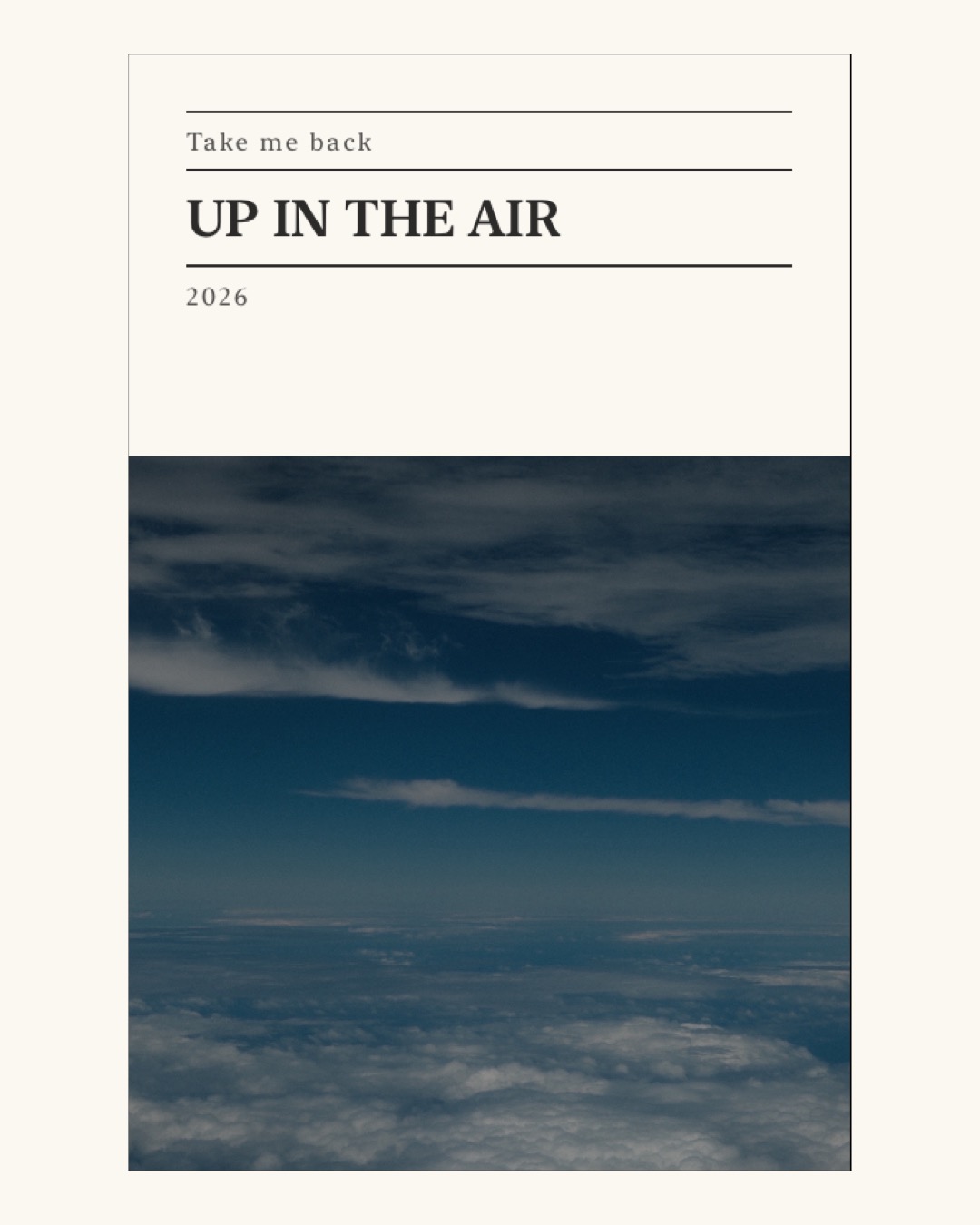
- Choose the cover first. It has to read at the size of a playing card, so a simple picture with one clear shape beats a busy one.
- Mix distances. A wide view, a few middle ones, one close detail.
- Tall pictures fill a page. Wide ones are cropped to fit or sit with a border, so if a photograph needs all its width, give it a page with room.
- The back cover is a page too. End on something quiet.
Put them in order
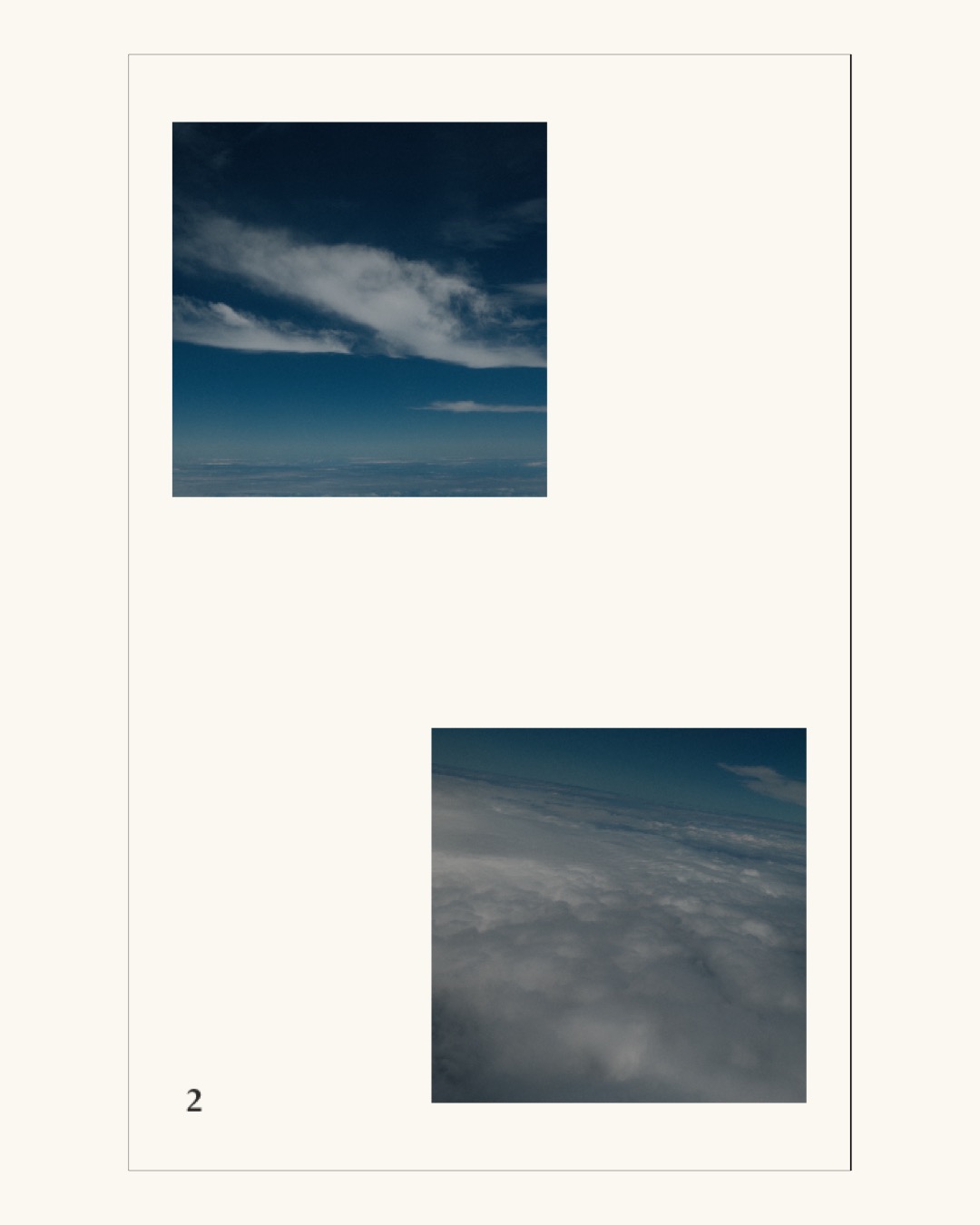
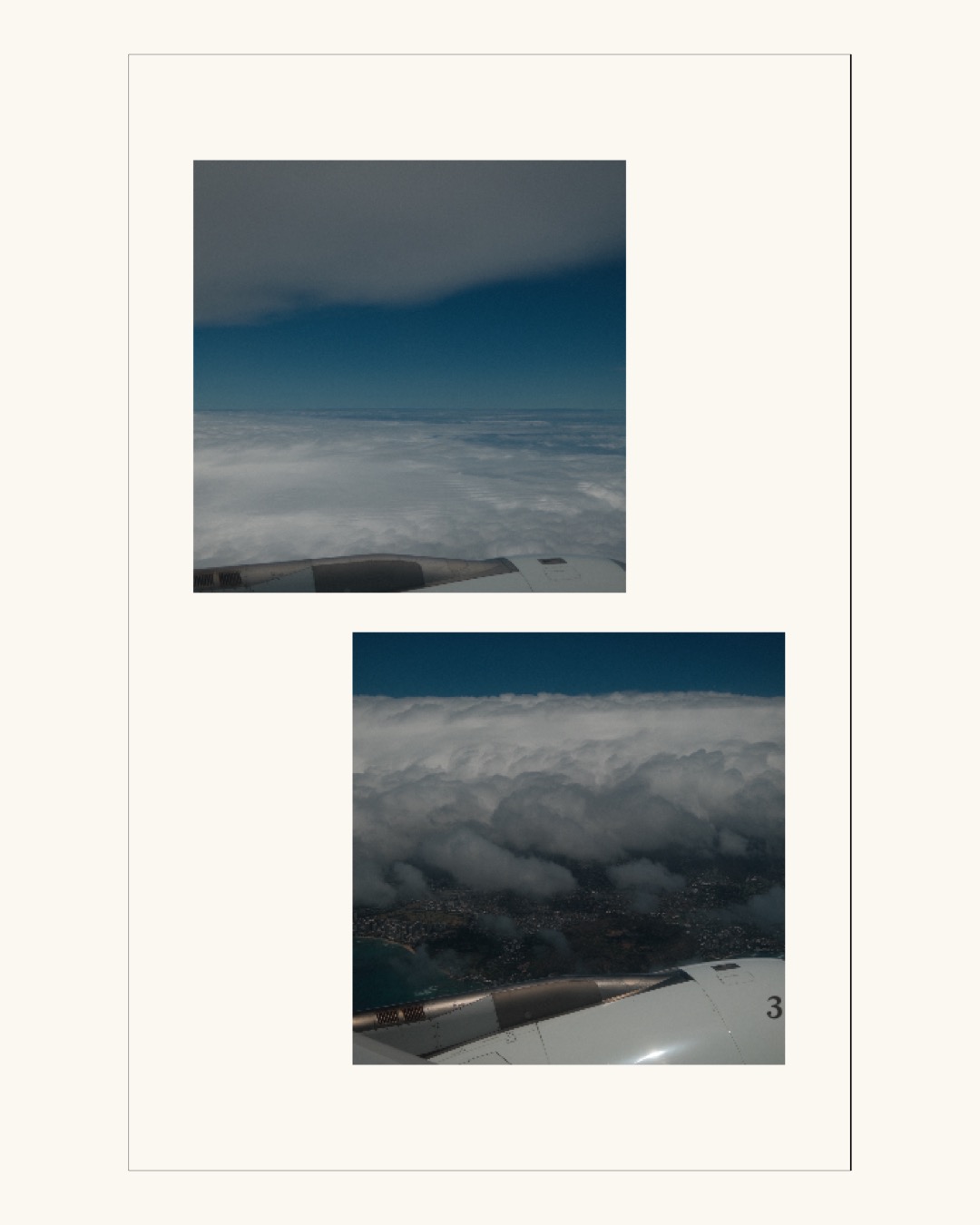
When the zine is open, pages face each other in pairs: 2 and 3, 4 and 5, 6 and 7. Think in those pairs. Two photographs side by side talk to each other whether you meant them to or not, so choose which conversations you want. A good order has a beginning, a middle you linger in, and a last page that closes the door.
Add a few words
A title on the cover, and a date or a place if you want one. One line of caption is plenty, and most pages want none. The photographs are the point; the words are the label on the box.
Print it and fold it
Print it on one side of one sheet, Letter or A4, on the printer you already have. Then three folds and one cut. Both have their own page here: how to print a zine at home, and how to fold an 8-page zine.
Give it away
On paper is the point: hand it over, leave it on a table, post it in an envelope. A zine also travels as a set of images in reading order, which posts as a carousel with the cover first, or as a PDF that opens on any phone. Pleat makes all three from the same zine.
Ideas for a first one
- One roll of film, in the order it was shot.
- A walk you take every day.
- The same window, once a month.
- One person, one afternoon.
- A recipe, step by step, on eight pages.
- Everything that was on the table at dinner.
- A trip, but only the parts between the sights.
- Eight pictures of the same colour.
- The view from every place you sat down this week.
- A birthday, made that night and given the next morning.
With Pleat
Pleat lays your eight photographs out on the sheet, in one of ten themes that set the type, the paper colour and the palette for the whole zine, and varies the page layouts so no two pages sit the same way. It prints the fold lines and the cut line, walks you through the fold, and saves the pages as images or a PDF when you would rather send it than hand it over. It's on the App Store.
More: how to fold an 8-page zine · how to print a zine at home · free printable templates · zine layouts and themes.